Control and Manage Your TTLock Smart Locks
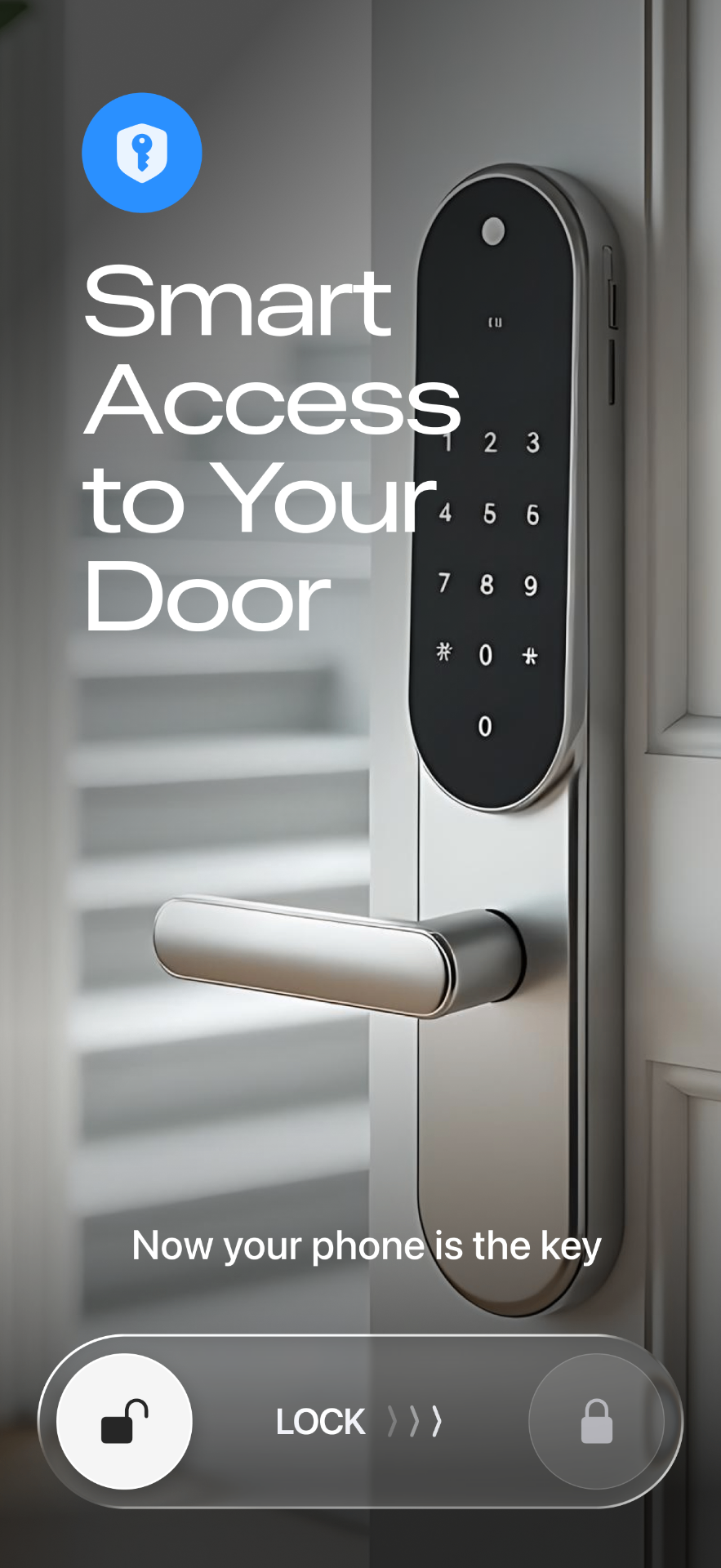
Experience seamless security with Smart Lukko, the smart lock app for TTLock. Add TTLock devices via Bluetooth, control them remotely, and manage permissions—all from one powerful app.
Everything You Need for TTLock
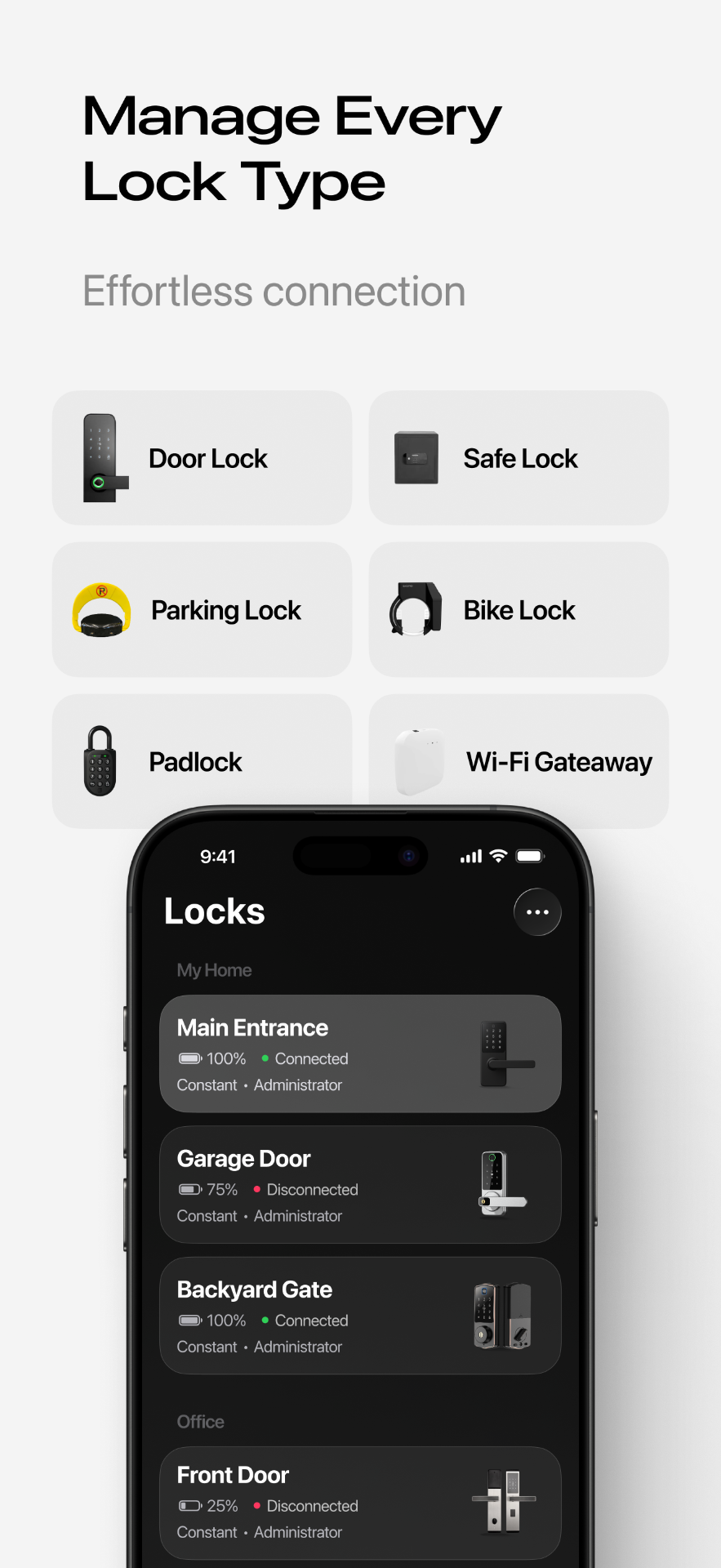
Smart Lukko brings every TTLock feature into one app—pairing, remote access, eKeys, passcodes, and full control of your smart locks.
Bluetooth Pairing
Add and unlock TTLock smart locks over a secure Bluetooth connection in seconds—no hub required.
Remote Unlock
Pair a TTLock Wi-Fi gateway to lock and unlock your door from anywhere in the world.
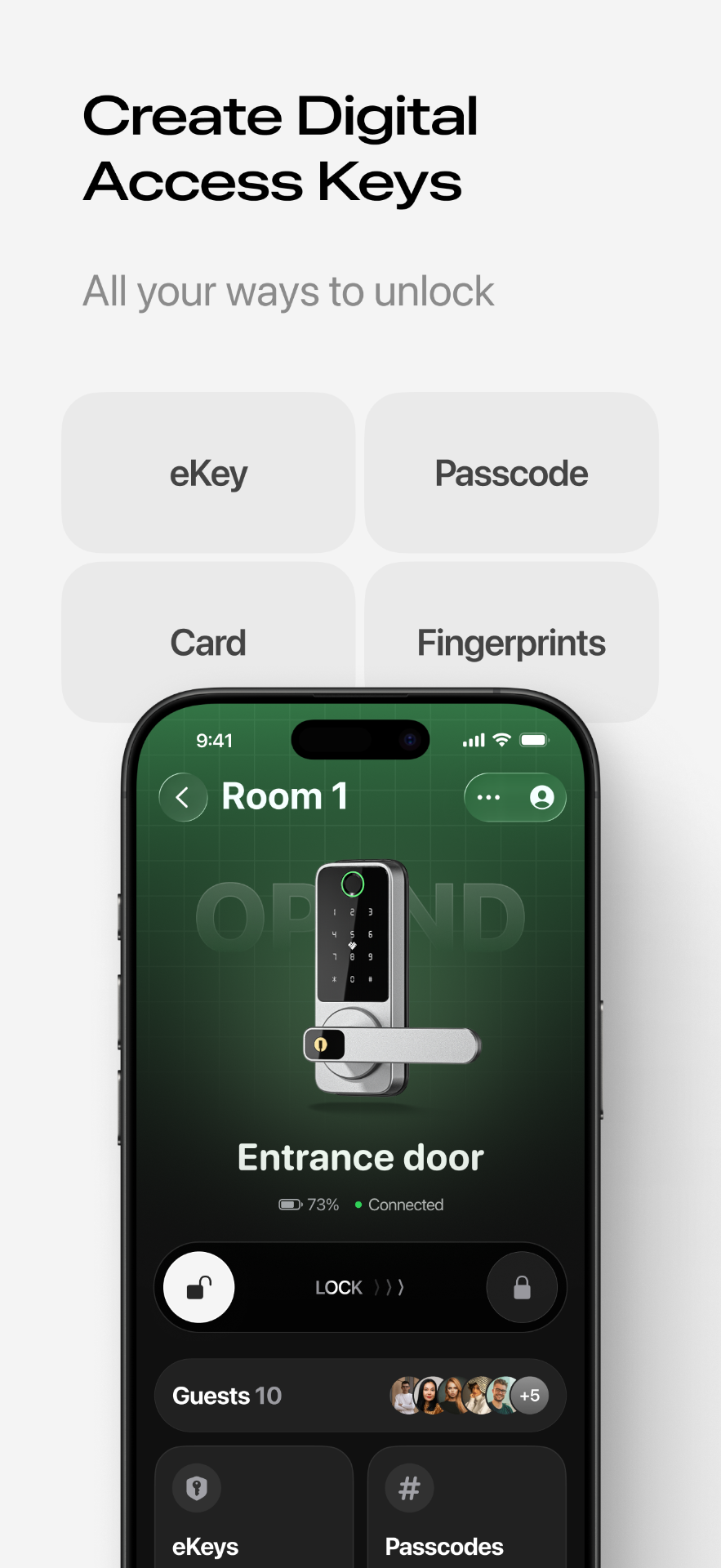
Digital eKeys
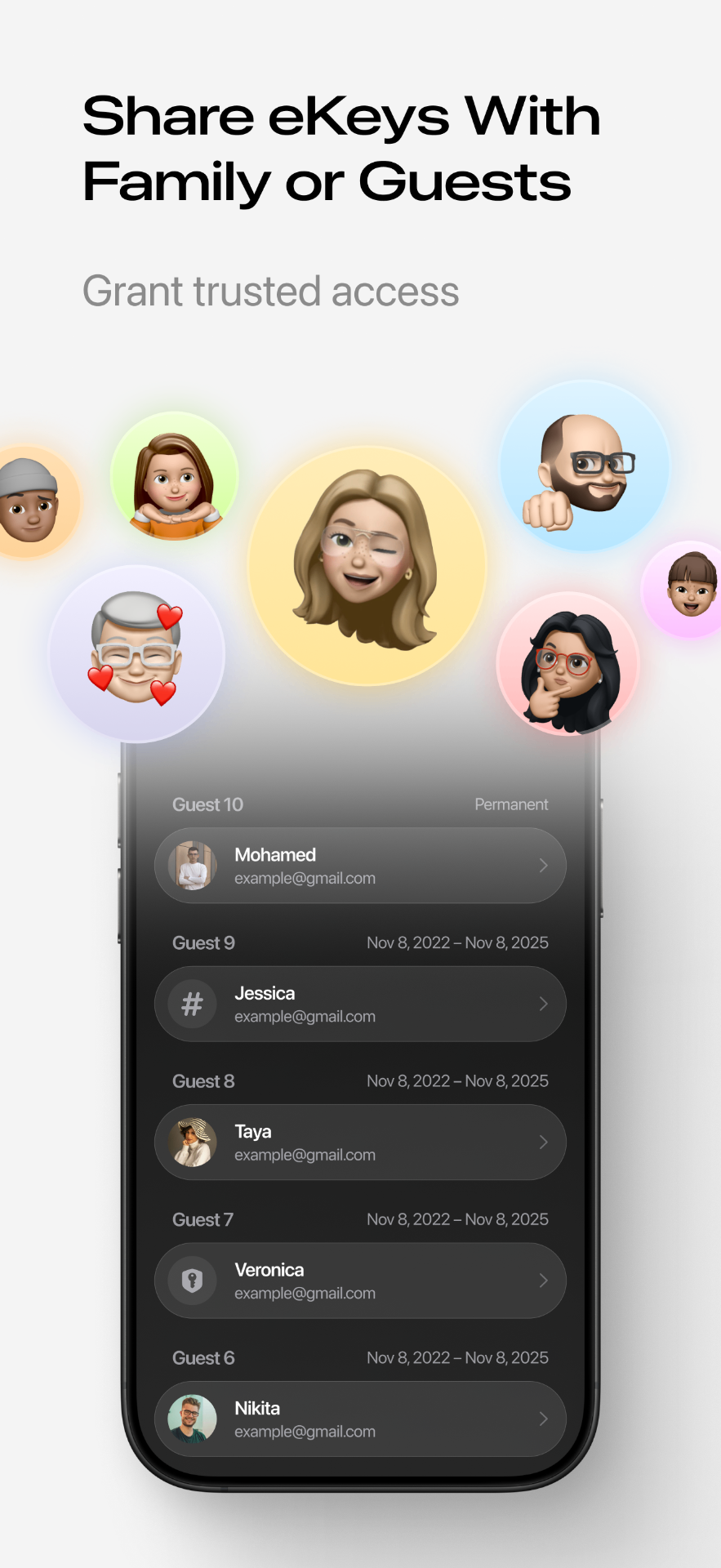
Send time-limited, one-time, or permanent eKeys to family, guests, and staff—and revoke them instantly.
Custom Passcodes
Generate permanent, timed, one-time, or recurring passcodes for keypad access without sharing the app.
Fingerprints & IC Cards
Enroll and manage fingerprints and IC cards directly from your phone for keyless entry.
Permission Management
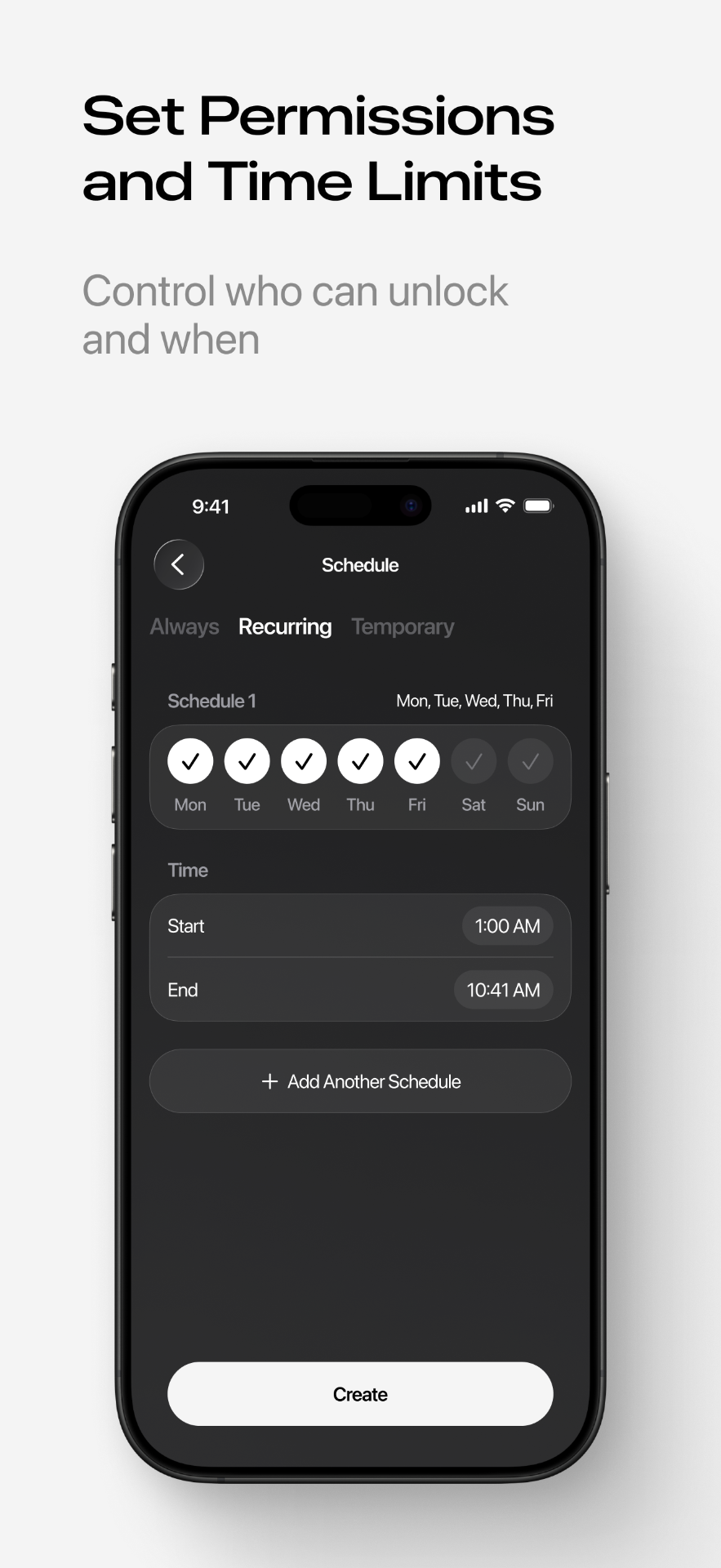
Assign admin or authorized-user roles and control exactly who can open each lock and when.
Access Records
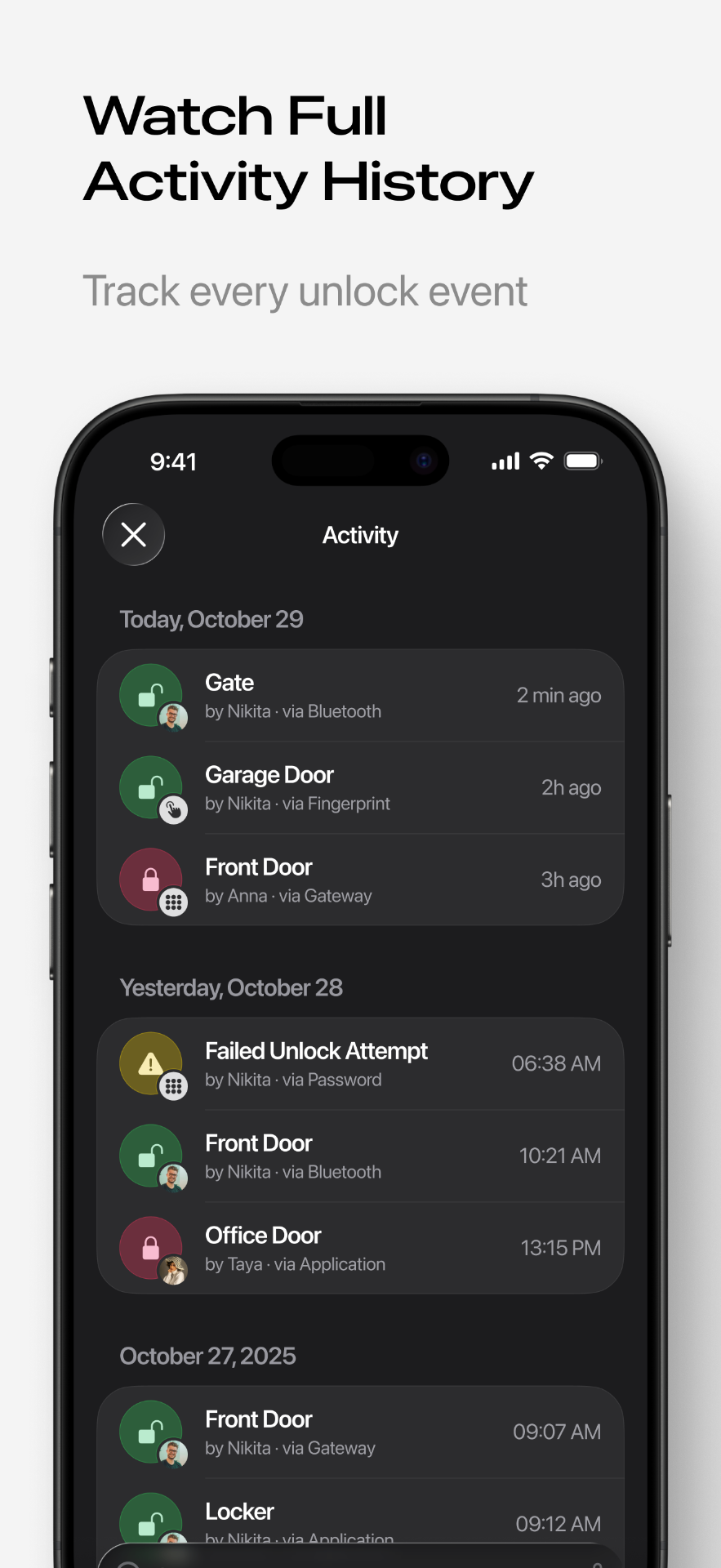
Review a full unlock history showing who opened the door, with what method, and at what time.
Real-time Notifications
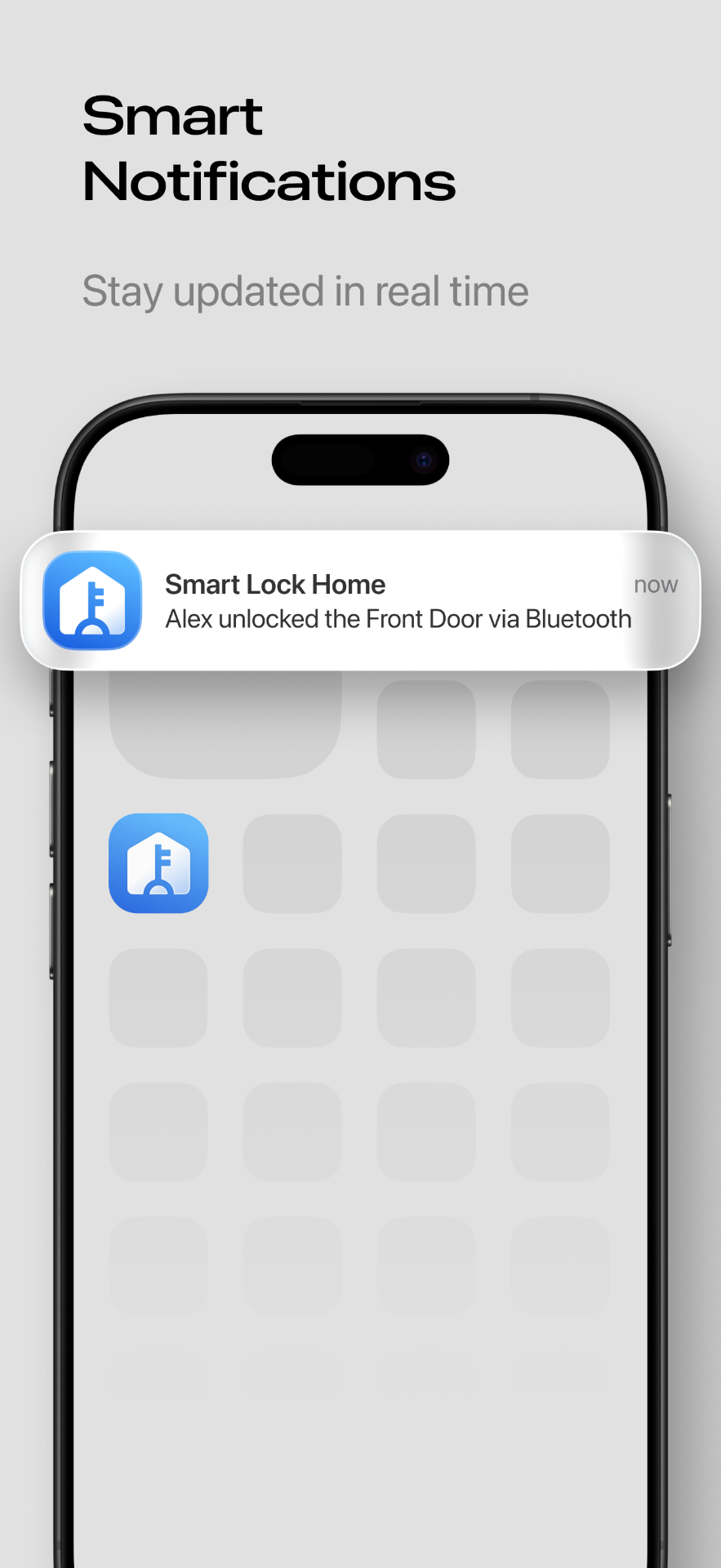
Get instant alerts for every unlock event and stay aware of activity at your door.
Encrypted Security
Industry-standard encryption keeps your keys, passcodes, and access data protected at all times.
How Smart Lukko Works
Get your TTLock smart lock up and running in four simple steps.
Download the app
Get Smart Lukko free on the App Store or Google Play and create your account.
Add your TTLock
Put your lock in pairing mode and add it to the app over Bluetooth in a few taps.
Set up access
Create eKeys, passcodes, fingerprints, and IC cards for everyone who needs entry.
Control from anywhere
Add a gateway to unlock remotely, track access records, and manage permissions on the go.
See Smart Lukko in Action
A closer look at the smart lock app for TTLock
Frequently Asked Questions
Everything you need to know about the smart lock app for TTLock.
What is Smart Lukko?
Smart Lukko is a smart lock app for TTLock devices. It lets you pair TTLock locks over Bluetooth, unlock them remotely through a gateway, share digital eKeys, and manage passcodes, fingerprints, and access records from your phone.
Which smart locks work with Smart Lukko?
Smart Lukko works with TTLock-compatible smart locks, including door locks, padlocks, deadbolts, and keypads that use the TTLock protocol.
Can I unlock my TTLock remotely?
Yes. With a TTLock Wi-Fi gateway connected, you can lock and unlock your door from anywhere with an internet connection. Without a gateway, you can unlock over Bluetooth when you are near the lock.
How do I add a lock to Smart Lukko?
Open the app, tap Add Lock, and put your TTLock into pairing mode (usually by touching the keypad or pressing the lock button). Smart Lukko detects nearby locks over Bluetooth—select yours and it pairs in a few seconds. The first person to add a lock becomes its administrator.
How do I manage permissions and access levels?
As the lock administrator you can grant access as eKeys or passcodes and choose between authorized-user and admin roles. Set each key as one-time, timed, recurring, or permanent, see who has access at a glance, and revoke any key instantly.
Can I control my lock remotely?
Yes. Pair a TTLock Wi-Fi gateway near your lock and you can lock, unlock, send passcodes, and check status from anywhere with internet. Without a gateway, control and pairing happen over Bluetooth when you are within range of the lock.
Can I see who unlocked the door and when?
Yes. Smart Lukko keeps a full access record showing who opened the lock, the method used (eKey, passcode, fingerprint, or IC card), and the exact time. With a gateway connected you also get real-time unlock notifications.
How do I share access with family or guests?
You can send eKeys or generate passcodes directly from the app. Set them as one-time, timed, or permanent, and revoke access at any time.
Is Smart Lukko free?
Yes, Smart Lukko is free to download on iOS and Android.
Explore Smart Lukko
Deep dives on the features you'll use most, guidance for hosts, landlords and offices, and step-by-step fixes when a TTLock lock misbehaves.
Ready to Secure Your Home?
Download Smart Lukko free and get full control of your TTLock smart locks—pair over Bluetooth, unlock remotely, share eKeys, and manage every passcode from one app.
- Free on iOS & Android
- No account fees
- Setup in minutes
Works with TTLock-compatible door locks, padlocks, deadbolts, and keypads.