Passcodes
Stop rewriting the same code on a sticky note
Give a cleaner, a guest or a contractor their own door code without handing out a physical key — and without worrying it still works next month.
Smart Lukko generates and manages TTLock keypad passcodes: one-time, timed, permanent or recurring, each tied to a name so you always know who used it.
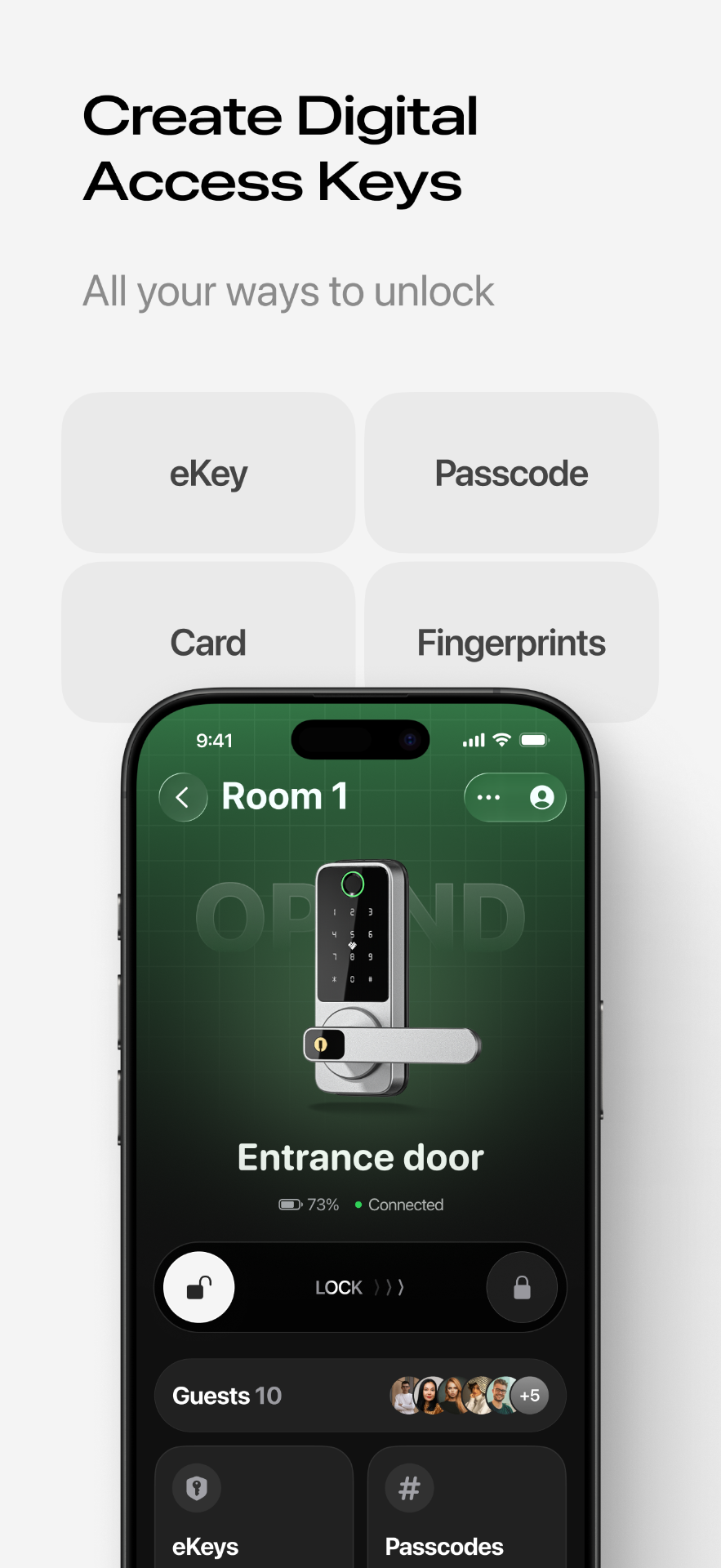
A code type for every situation
Not every guest needs the same kind of access. TTLock keypads support several code types, and Smart Lukko lets you generate and manage all of them from one lock screen:
One-time codes
Valid for a single unlock, then automatically disabled. Ideal for a delivery, a one-off viewing, or any visitor you don't want to remember indefinitely.
Timed codes
Active only between a start and end date and time you set — perfect for a short-term rental guest whose stay has a clear checkout.
Permanent codes
Work indefinitely until you delete them, for household members or staff who need standing access.
Cyclic (recurring) codes
Restricted to specific days of the week and hours of the day, on repeat — useful for a cleaner who visits the same slot every week.
Custom and erase codes
You can also set a custom code of your own choosing instead of a random one, and generate a special erase code that clears every passcode stored on the keypad at once if you ever need a clean start.
Offline first — no gateway required
TTLock keypad locks don't need to be online to check a passcode. The lock and the app share the same time-based algorithm, so the lock can independently calculate whether a code is currently valid — no internet connection, no gateway, no monthly fee for basic passcode use.
Offline validation
The keypad checks the code against its internal clock, so timed and one-time codes still expire correctly even without Wi-Fi.
Bluetooth sync
New or deleted codes are pushed to the lock next time your phone is nearby with Bluetooth on and the app open, without needing to add hardware.
If you'd rather changes land on the lock the moment you make them — even from another city — install a TTLock Wi-Fi gateway for remote sync, or read what to do if a passcode stops working.
Built for real households
Passcodes pair naturally with eKeys and access logs: give family members an eKey in the app, and give everyone else a code you can rotate. Every unlock — by app or keypad — lands in the same access log. Hosts managing several units often combine timed codes for guests with recurring codes for cleaning staff; see how that works on our Airbnb access guide.
Smart Lukko is an independent app for locks using the TTLock platform. TTLock is a trademark of its respective owner; we are not affiliated with or endorsed by it.
Frequently asked questions
- Do passcodes work if the lock has no Wi-Fi gateway?
- Yes. TTLock passcodes are calculated offline using the lock's internal clock and a shared algorithm, so a keypad lock can validate a code without ever talking to the internet. A gateway is only needed if you want to create or revoke a code while you are away from the lock.
- How does a new passcode reach the lock without Wi-Fi?
- When you create a code in Smart Lukko, it is sent to the lock the next time your phone is within Bluetooth range and open near the lock, or instantly if a gateway is installed. Until then the code is queued and marked as 'pending' in the app.
- What's the difference between a cyclic and a permanent passcode?
- A permanent code works every day with no expiry until you delete it. A cyclic (recurring) code only works during the days and hours you define each week — useful for a cleaner who comes every Tuesday morning, for example.
- Can I tell which passcode was used to open the door?
- Yes. Every passcode is named when you create it, and each unlock event in the access log shows the code's name, so you can see exactly which one was used and when.
- What happens if I forget to delete a one-time code?
- Nothing to worry about — a one-time passcode automatically expires after its first successful use and cannot be entered again, even if someone remembers it.
- What is an erase code?
- An erase code is a special TTLock code that wipes all passcodes stored on the lock's keypad in one entry. It's a safety net for when you suspect a code list has been compromised and want a clean slate without a factory reset.