Use case
Change tenants without changing the lock
Landlords and property managers deal with turnover, contractors, viewings and disputes long after move-in day. Smart Lukko turns TTLock's passcodes, eKeys and access logs into tools you can run from your phone, across one unit or an entire portfolio.
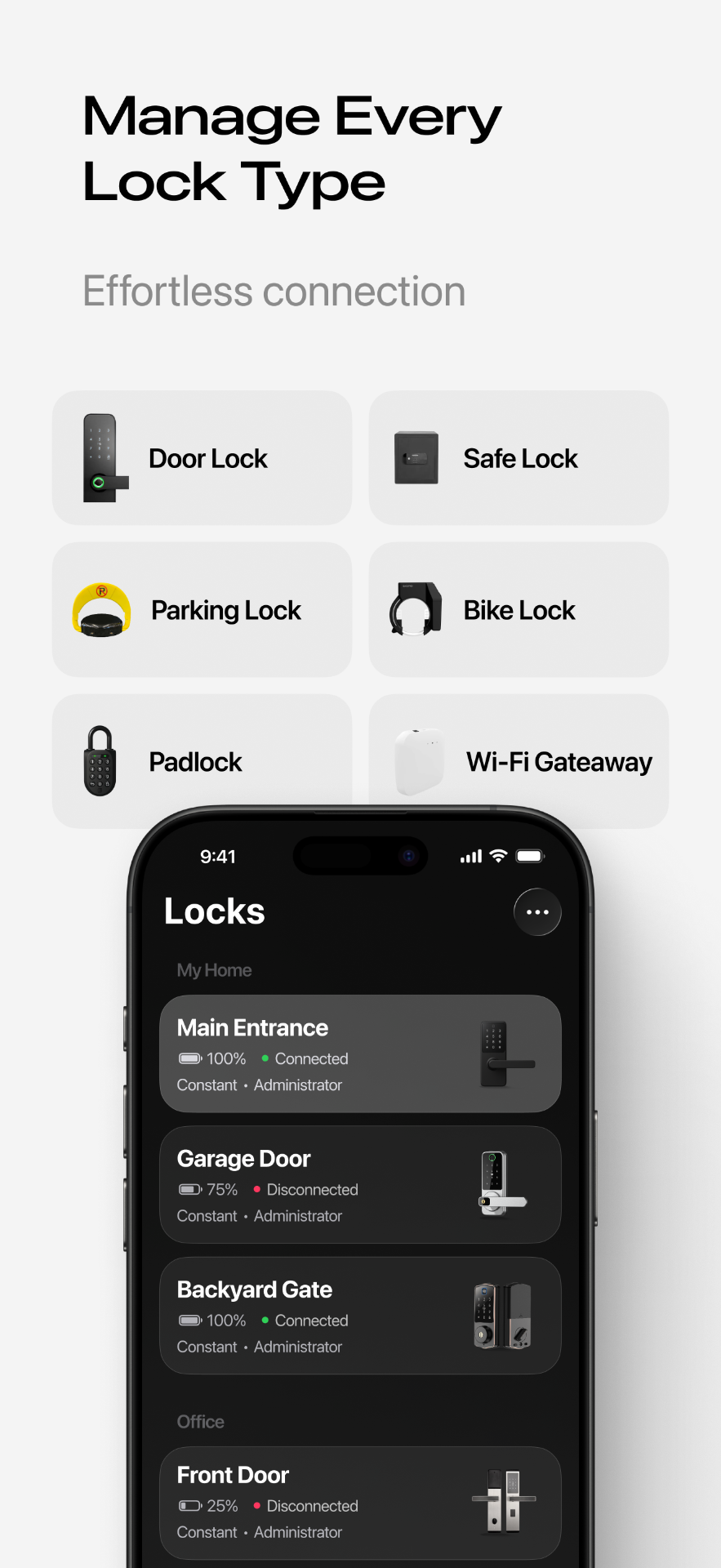
Tenant turnover without a locksmith visit
A traditional lock change between tenants means a locksmith, a cut key, and a gap in access if the timing doesn't line up. With a TTLock lock, turnover is a software change: revoke the outgoing tenant's passcode or eKey in Smart Lukko and issue a new one for the incoming tenant, timed to start exactly at handover. There's no cylinder to swap and no old key that might still open the door.
Contractor access windows
A plumber who needs to get in Tuesday morning, or a maintenance crew booked for a two-week window, doesn't need a key you'll have to collect afterward. Issue a passcode scoped to that exact date range or recurring time slot, and it expires on its own — you don't need to chase anyone down to get access revoked.
Showing the unit to prospective tenants
Viewings are easier to schedule when you're not required to be on-site to let people in. Share a short-lived passcode or an eKey with an agent or applicant for the viewing slot only, and it stops working the moment the window closes.
Proving entry times when something is disputed
If a tenant claims a contractor entered without notice, or you need to confirm when a viewing happened, the access log shows which credential unlocked the door and at what time, pulled from the lock's own recorded events. It's a useful, timestamped record to bring to a conversation — treat it as supporting detail alongside your other documentation, not a legal record on its own.
Running this across a multi-unit portfolio
Property managers overseeing several addresses can keep every TTLock lock in one account rather than juggling logins per building. Assigning admin rights to a second manager, or checking a specific unit's history, works the same way whether you manage two doors or twenty. If a lock in the portfolio ever drops offline unexpectedly, the gateway troubleshooting guide covers the common fixes.
Frequently asked questions
- Do I need to rekey between tenants?
- No. Delete the outgoing tenant's passcode or eKey and issue a new one for the incoming tenant — the physical lock and cylinder don't change. This also removes the risk of an old tenant keeping a copy of a cut key.
- How do I give a contractor access without handing over a key?
- Create a passcode with a defined start and end date, or a specific time window, and send it to the contractor directly. It stops working automatically once the job should be finished, so you're not relying on them to tell you when they're done.
- Can I let a letting agent show the unit without meeting them there?
- Yes. Issue a passcode valid for the viewing window, or a short-dated eKey if the agent has the app. Each viewing gets its own code, so you always know it was that specific visit that opened the door, not a general master key floating around.
- Can access logs actually help in a dispute?
- Smart Lukko's access log records which credential unlocked a given TTLock lock and when, based on the lock's own event log. That timestamped record can support your account of events, though as with any digital log it should be treated as supporting evidence rather than a substitute for other documentation.
- Is this practical across a multi-unit portfolio?
- Yes — all your TTLock locks appear in one account and one lock list, so a property manager handling several units or an entire building isn't logging into a separate app or system per address.
- What if a unit doesn't have Wi-Fi yet?
- TTLock locks operate over Bluetooth by default, which covers passcode creation, in-person unlocking, and eKey sharing. A Wi-Fi gateway is only necessary if you want to unlock remotely from anywhere or receive live status without visiting the unit.
Smart Lukko is an independent app for locks using the TTLock platform. TTLock is a trademark of its respective owner; we are not affiliated with or endorsed by it.