iOS
A TTLock app built for how iPhone actually works
If you've struggled with a generic lock app that fights iOS's Bluetooth permissions or ignores the Home Screen entirely, Smart Lukko is built specifically to work with iPhone and iPad the way Apple intended.
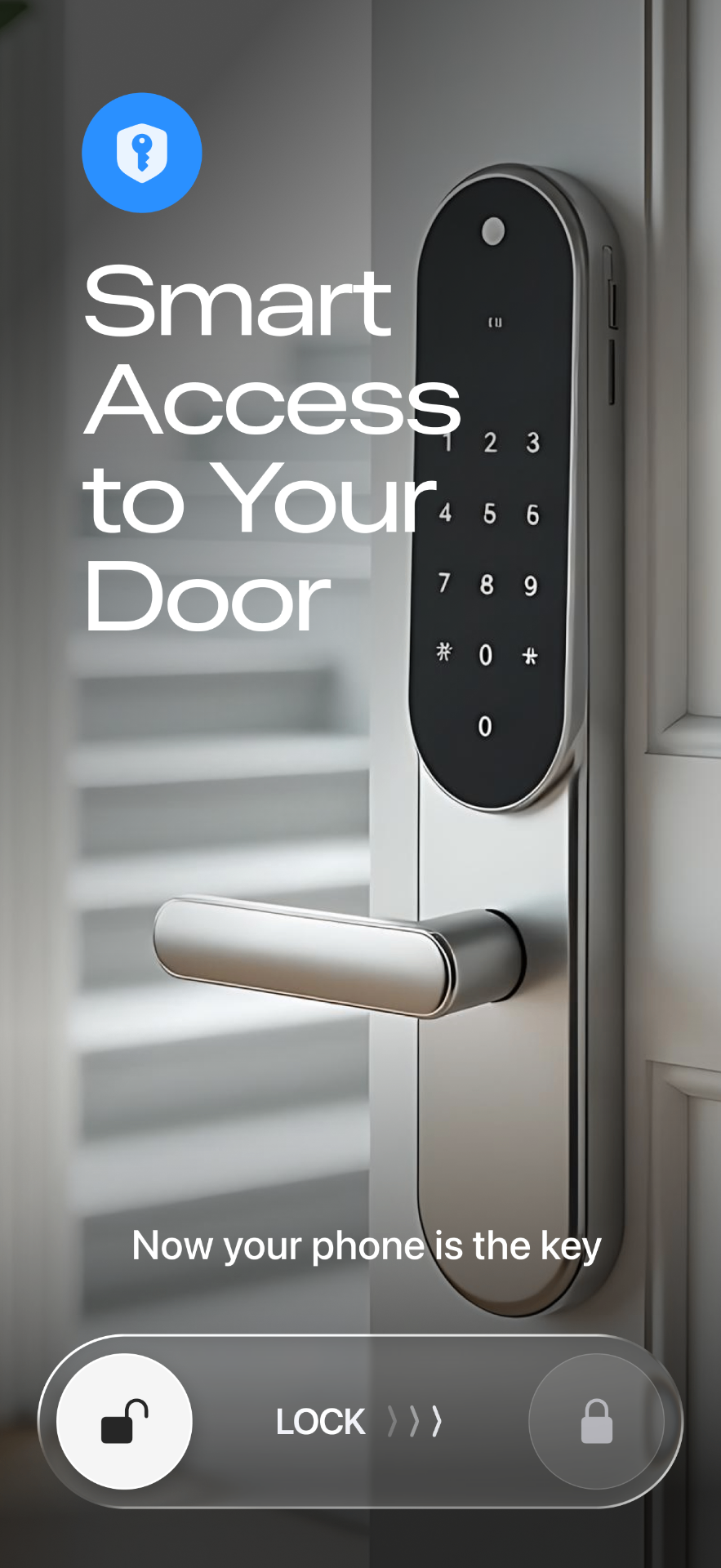
Everything on your iPhone
Smart Lukko brings the full TTLock feature set to iOS in a native-feeling app.
Passcodes
Generate one-time, temporary or recurring passcodes for guests and staff, no eKey required.
eKey sharing
Share a digital key from your iPhone with time limits and revoke access instantly.
Access log
See every unlock event—who opened the door, from which key, and when—in one list.
Home Screen widget
Add the Smart Lukko widget to your iPhone Home Screen and unlock without opening the app.
Remote unlock via gateway
With a TTLock Wi-Fi gateway near the lock, unlock and check status over the internet, not just Bluetooth.
Notifications
Get a push notification on your iPhone whenever the door is unlocked, even while the app is closed.
What iOS permissions Smart Lukko asks for, and why
The first time you add a lock, iOS shows two permission prompts. Both exist because of how Apple designed Bluetooth privacy, not because Smart Lukko needs extra data about you.
Bluetooth: your TTLock lock talks to your phone over Bluetooth Low Energy. Without this permission, iOS won't let any app scan for or connect to the lock at all, so it's required for the app to function.
Location: iOS bundles some Bluetooth peripheral scanning under Location privacy controls. Smart Lukko does not log, store, or share your location—granting this prompt simply lets the app reliably detect your lock, including when the app is in the background.
On top of that, you can enable Face ID or passcode confirmation inside the app so that unlocking a door, or even opening the app, requires proving it's really you—useful if your phone is ever lost or left unlocked.
How to get started
- 1
Download Smart Lukko from the App Store and open it on your iPhone or iPad.
- 2
Allow Bluetooth and Location when prompted, then add your TTLock lock by scanning nearby or entering it manually.
- 3
Add the Smart Lukko widget to your Home Screen and enable Face ID protection in Settings for faster, safer unlocking.
Frequently asked questions
- Does Smart Lukko work on both iPhone and iPad?
- Yes. Smart Lukko is a universal iOS app that runs on iPhone and iPad, on any device running a recent version of iOS with Bluetooth support.
- Why does the app ask for Bluetooth permission?
- TTLock locks communicate over Bluetooth Low Energy. iOS requires an explicit Bluetooth permission prompt before any app can scan for or connect to nearby Bluetooth locks, so Smart Lukko asks for it the first time you add a lock.
- Why does Smart Lukko ask for Location permission?
- iOS ties some Bluetooth scanning behaviour to Location services. Smart Lukko doesn't track or store your location—the prompt exists because iOS groups Bluetooth peripheral discovery under Location privacy, and granting it lets the app find your lock reliably in the background.
- Can I protect the app with Face ID?
- Yes. Smart Lukko supports device-level protection: you can require Face ID or your iPhone passcode before the app opens or before a lock unlocks, so a lost or unlocked phone doesn't hand someone else your keys.
- Do I need a TTLock gateway to use the iOS app?
- No. Bluetooth unlocking works directly between your iPhone and the lock with no extra hardware. A Wi-Fi gateway is only needed if you want to unlock, share keys, or check status remotely when you're not near the lock.
- Is Smart Lukko free to download?
- Yes, Smart Lukko is free to download from the App Store. It works with locks built on the TTLock platform from various lock manufacturers.
Smart Lukko is an independent app for locks using the TTLock platform. TTLock is a trademark of its respective owner; we are not affiliated with or endorsed by it. Need help? Visit support.