Compare
Ways to manage a TTLock lock, compared honestly
TTLock locks can be managed several ways: the official TTLock app, focused third-party apps like Smart Lukko, other third-party apps, or a gateway/API/Home Assistant integration. Here's what each category is actually for, without disparaging any of them.
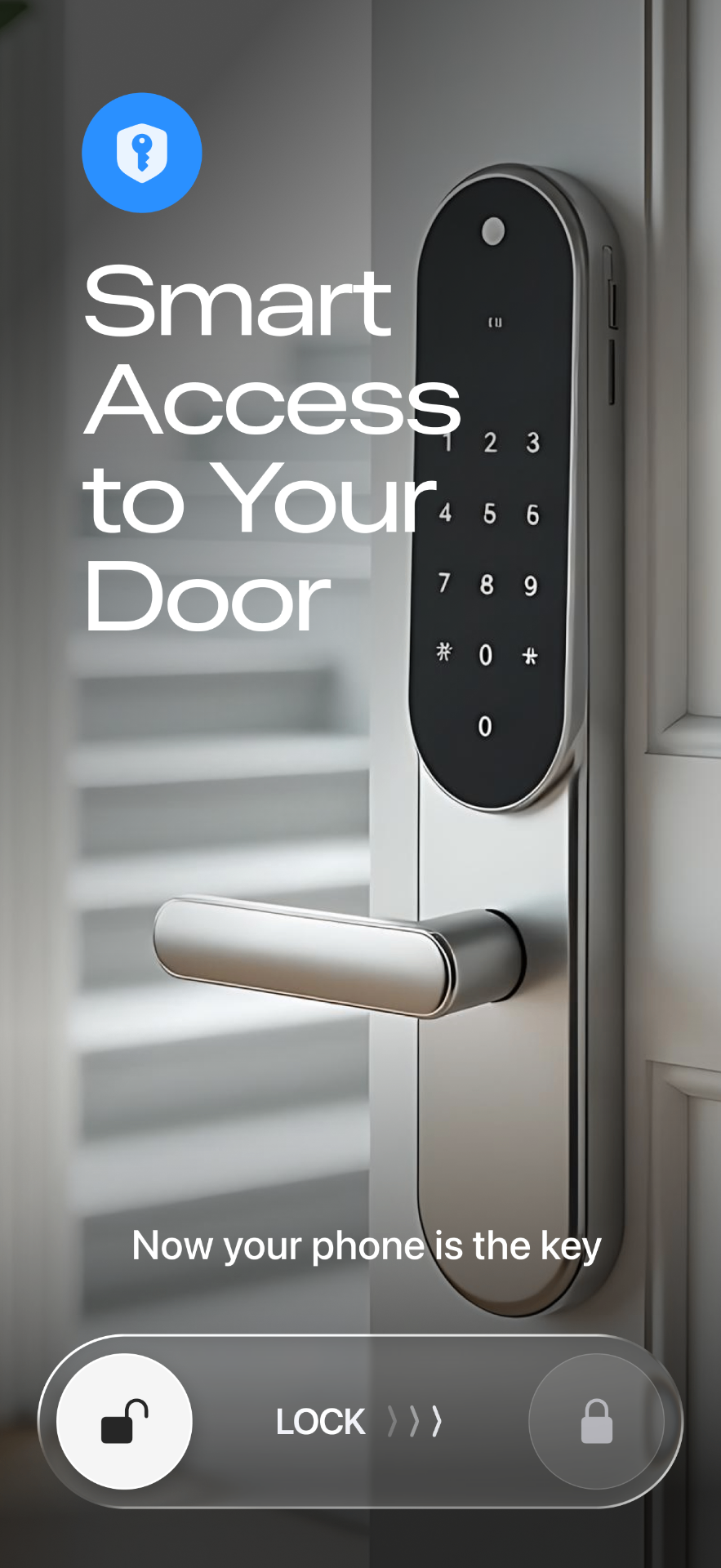
The official TTLock app
The official TTLock app is the first-party app for the platform. It's built directly by the company behind the lock hardware and firmware, so it's generally the first place new lock models, firmware-level settings, and the full breadth of admin and installer options show up. If you need a niche configuration option or are setting up a lock model that just launched, the official app is a reasonable default.
Smart Lukko and other third-party apps
Third-party apps, including Smart Lukko, connect to the same TTLock cloud account and the same locks, but each takes its own approach to which features it surfaces and how. Smart Lukko focuses on the day-to-day tasks most individual owners and small operators actually repeat — creating and sharing passcodes, sharing eKeys, and checking the access log — and presents them in a simplified interface, with a home screen widget for one-tap unlocking and a log view designed to make sync status and recent activity easy to read at a glance. It does not aim to replace every advanced or installer-level setting the official app exposes.
Gateway, API, and Home Assistant routes
A TTLock gateway is a small Wi-Fi bridge that lets a Bluetooth lock be reached remotely — unlocking or checking status when you're not within Bluetooth range. The TTLock Open API is a developer-facing layer that third-party software, including Home Assistant integrations, can build on to connect locks into broader smart-home or property-management systems. These are infrastructure choices rather than apps you interact with directly day to day, and they typically work alongside an app — the gateway gets you online access, the app is still what you or your guests use to unlock the door.
Side-by-side by capability
This compares broad capability categories, not specific version numbers or benchmarks we can't verify. Actual features vary by lock model and firmware.
| Capability | Official TTLock app | Smart Lukko | Gateway / API / Home Assistant |
|---|---|---|---|
| Passcodes & eKey sharing | Full range of passcode and eKey types | Core passcode and eKey types, simplified flow | Depends on the integration; not the primary interface for this |
| Access log / history | Available, presented within the full admin interface | Available, presented as a focused, readable log view | Depends on integration; may need custom setup to log events |
| Home screen widget | Varies by platform/version | One-tap unlock widget | Not applicable — not an end-user app |
| New hardware/firmware support | First to support new TTLock lock models | Supports TTLock locks broadly; new-model rollout timing follows the platform | Depends on the API exposing the new feature |
| Admin & installer settings | Full depth, including advanced/installer options | Focused on everyday owner tasks, not installer-level settings | N/A — configuration usually still done via an app |
| Smart-home integration | Not the primary purpose | Not the primary purpose | Purpose-built for this — Home Assistant, custom automations |
Where to go for more
If you run into an issue regardless of which app you use — a lock that won't connect, a gateway that's gone offline, or a passcode that won't take — the support section has troubleshooting guides for the most common TTLock problems.
Frequently asked questions
- Do I have to choose between the official TTLock app and Smart Lukko?
- No — both work with the same TTLock cloud account and the same locks. Some people keep the official app installed as a fallback and use Smart Lukko day to day, or switch entirely. Your passcodes, eKeys and lock records aren't tied to one app.
- Is Smart Lukko affiliated with TTLock?
- No. Smart Lukko is an independent app built for locks that use the TTLock platform. It is not made by, affiliated with, or endorsed by TTLock; TTLock is a trademark of its respective owner.
- What does the official TTLock app do well?
- It's the first-party app maintained directly by the lock platform, so it typically supports new lock models and firmware features as soon as they're released, and covers the full range of TTLock functionality including advanced admin and installer settings.
- Why would someone use a third-party app instead of the official one?
- Reasons vary by app, but commonly cited ones include a simpler day-to-day interface for people managing a small number of locks, home screen widgets for one-tap unlocking, and clearer presentation of sync status and access history. Third-party apps generally focus on a subset of TTLock's full feature set rather than replacing it.
- What's the difference between using a gateway, the API, or Home Assistant?
- A TTLock gateway bridges your Bluetooth lock to Wi-Fi so any TTLock-compatible app can unlock or check status remotely. The TTLock Open API lets developers build custom integrations, which is what powers Home Assistant and other smart-home connections. These are complementary layers, not competing apps — a gateway or API-based integration can run alongside an app like the official TTLock app or Smart Lukko.
- Which option should I pick?
- It depends on what you value: the official app for maximum feature coverage and first access to new hardware support, a focused third-party app like Smart Lukko if you want a simpler daily interface with clear logs and a widget, or a gateway/API/Home Assistant route if you're integrating locks into a broader smart-home or property-management system.
Smart Lukko is an independent app for locks using the TTLock platform. TTLock is a trademark of its respective owner; we are not affiliated with or endorsed by it.