Use case
Staff access that doesn't depend on a bunch of keys
Small teams still deal with all the access problems of a big office — onboarding, offboarding, cleaners, deliveries, and rooms that shouldn't be open to everyone. Smart Lukko manages TTLock credentials per person and per door, so access changes happen in the app, not with a locksmith.
Onboarding a new hire
A new starter's access shouldn't hinge on someone remembering to cut a key before their first day. In Smart Lukko, issue an eKey to their phone or a personal passcode ahead of time, set to activate the morning they start. It's ready before they walk in, and it's theirs alone — not a shared four-digit code everyone in the office already knows.
Revoking access the day someone leaves
Offboarding is where shared keys or a single office code fall apart — either you rekey the whole door, or you accept that a former employee could still get in. Because Smart Lukko issues each person their own passcode or eKey, removing one person's access is a single deletion that doesn't touch anyone else's credentials, and it can be scheduled in advance if you already know their last working day.
Cleaner and delivery access outside working hours
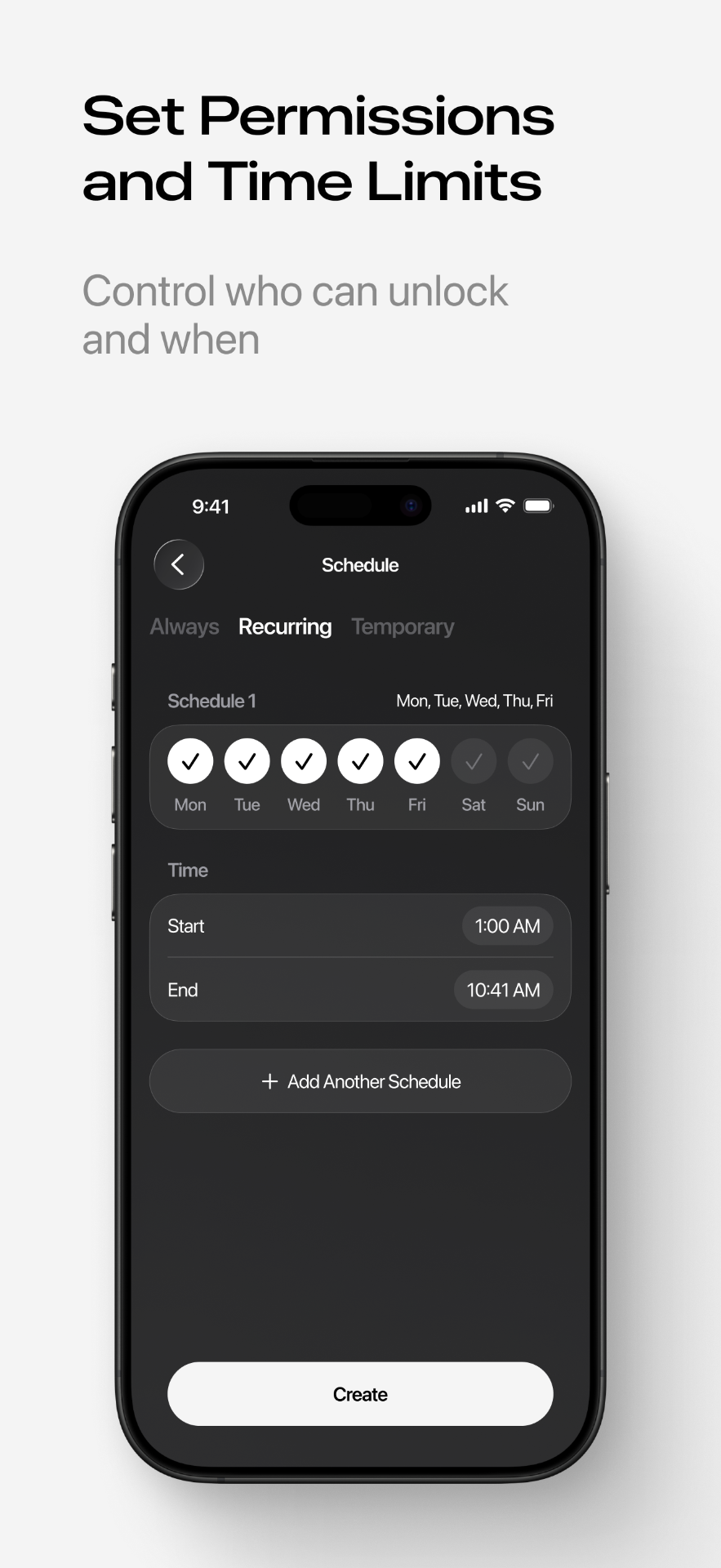
If a cleaning crew comes in before staff arrive, or a courier needs access to a goods entrance early morning, a scheduled or cyclic passcode limited to those hours means the door works for them exactly when it should and not otherwise. You're not leaving a permanent code active around the clock just to cover a 30-minute window.
Storeroom access versus the front door
Not every staff member needs access to every room. If the storeroom or a server closet has its own TTLock lock, it's managed as a separate device with its own credentials — a front-door passcode doesn't carry over. That means you can give most of the team front-door access while limiting the storeroom to the two or three people who actually need it.
Auto-unlock during opening hours — and its trade-offs
Some TTLock locks support a passage mode that holds the door unlocked for a defined stretch of time, which offices sometimes use during business hours so visitors and staff don't need to buzz in constantly. The caveat is real: while passage mode is active, the door isn't secured by a credential at all, so it's worth restricting to hours when reception or staff are actually present, and switching it off overnight and on closed days.
If a staff passcode ever stops working unexpectedly, the passcode troubleshooting guide covers the most common causes, from date ranges to lock sync issues.
Frequently asked questions
- How fast can a new hire get access on their first day?
- As soon as you have their phone number or the app installed on their device, you can send an eKey or a personal passcode ahead of their start date, timed to activate that morning. There's no physical key or fob to cut or hand over.
- How do I make sure someone loses access the day they leave?
- Delete their passcode or eKey from Smart Lukko, or set an end date in advance if you already know their last day. Because each staff member has their own credential rather than sharing one office code, removing one person doesn't affect anyone else.
- Can the cleaner and delivery courier get in outside working hours without a key?
- Yes — a cyclic or scheduled passcode can be limited to specific hours, such as early morning before staff arrive, so it works only during that window and gives no access at other times.
- Can I let staff into the front door but keep the storeroom locked to most people?
- If the storeroom has its own TTLock lock, you manage it as a separate device with its own set of credentials — a staff member's front-door passcode doesn't automatically work on the storeroom unless you issue them a key for that lock too.
- Can the door unlock automatically during opening hours?
- Some TTLock locks support a passage mode that keeps the door unlocked for a set period, which some offices use during business hours. Because this leaves the door unsecured for anyone nearby, it's worth limiting to hours when the space is actually staffed and reception is aware it's active.
- Do I need an internet connection at the office for this to work?
- The lock itself works over Bluetooth, which covers unlocking in person and generating passcodes and eKeys to send to staff. A Wi-Fi gateway is only required if you want to unlock a door remotely or view live status without being on-site.
Smart Lukko is an independent app for locks using the TTLock platform. TTLock is a trademark of its respective owner; we are not affiliated with or endorsed by it.