eKey sharing
Give someone a key today, take it back the second you need to
A copied physical key can't be un-copied. A digital eKey can be switched off the moment a guest checks out, a tenant moves on, or a contractor's job is done.
Smart Lukko lets you send TTLock eKeys by phone number or invite link, set exactly how long they last, and revoke them instantly from anywhere.
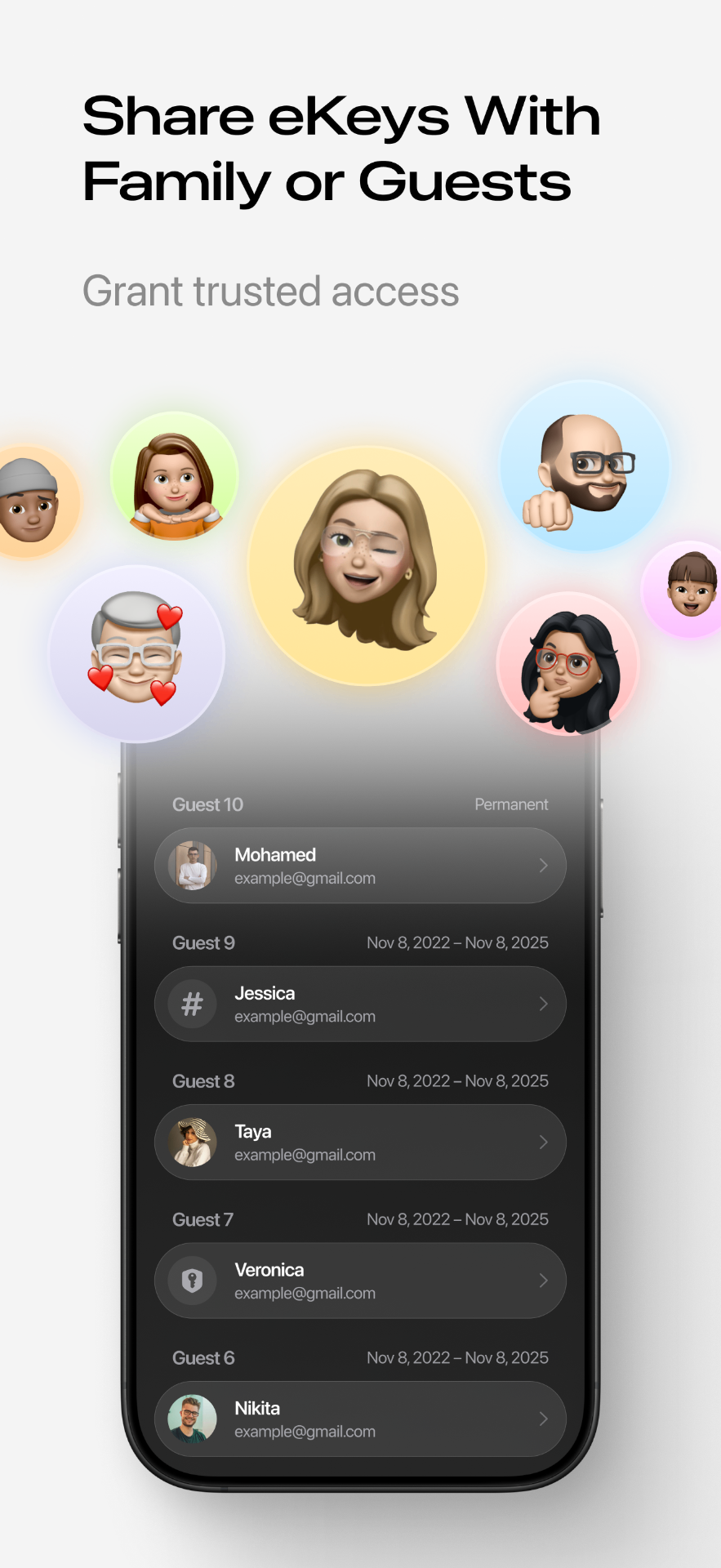
Admins and authorised users aren't the same role
Every TTLock lock has one admin — usually the person who bought it and added it to the app. The admin can add locks, generate passcodes, and decide who else gets an eKey. An authorised user only receives the specific eKey the admin sent them, with the permissions attached to it. They can unlock the door, but they can't rename the lock, change its settings, or see keys they weren't given.
Timed eKey
Works only between the start and end date you choose — the standard option for guests and short-term tenants.
Permanent eKey
No expiry date, for people who need standing access, like family or long-term housemates.
One-time eKey
Unlocks the door once and then deactivates itself, useful for a single delivery or viewing appointment.
Remote unlock and instant revoking
By default, an eKey unlocks over Bluetooth when the holder's phone is near the lock — no internet needed. If you'd like guests to unlock from anywhere, such as letting in a visitor while you're not home, add a TTLock Wi-Fi gateway; it relays the unlock command over the internet to the lock.
Remote unlock permission
You can grant or withhold remote unlock separately from the eKey itself, so someone can have Bluetooth-only access if you prefer.
Revoking instantly
Tap revoke and the eKey is deleted from the guest's account immediately, provided their phone has a connection to receive the update.
If a guest's phone can't see the lock over Bluetooth even with a valid eKey, walk through our Bluetooth connection troubleshooting guide.
Who this is for
eKey sharing suits anyone managing access for people they trust with an app, not a keypad — co-hosts, cleaners with smartphones, family, or office staff. Prefer a code they type in instead? Combine eKeys with passcodes, and see every entry, from either method, in the access log. Landlords managing multiple tenants often start with our rental property access guide.
Smart Lukko is an independent app for locks using the TTLock platform. TTLock is a trademark of its respective owner; we are not affiliated with or endorsed by it.
Frequently asked questions
- What's the difference between an admin and an authorised user?
- The admin is the account that added the lock and can grant, edit and revoke access for everyone else. An authorised user only has the permissions the admin gave them — for example, unlock only, or unlock plus the ability to share a key onward if allowed.
- Can I give someone remote unlock without giving them a key forever?
- Yes. You choose the eKey type when you share it: timed (expires on a date you set), permanent, or one-time. Remote unlock over the internet requires a gateway; Bluetooth unlock works as soon as the guest is near the lock, whether or not a gateway is installed.
- How fast does revoking an eKey take effect?
- Revoking is instant in the app. If the guest's phone has an internet connection, the key disappears immediately. If they're offline, it's removed the next time their app can reach the server — they cannot use a key mid-revocation.
- What happens if the guest's phone is offline when I share a key?
- The eKey is queued on our servers and delivered as a push notification the moment their phone reconnects. To actually unlock, their phone then needs Bluetooth range of the lock (or the lock needs a gateway for a remote unlock command).
- Can a guest share their eKey with someone else?
- Only if the admin has explicitly allowed re-sharing for that key. By default, shared eKeys cannot be forwarded, so access stays traceable to the person you actually invited.
- Do I need a TTLock gateway to share eKeys?
- No — Bluetooth eKeys work without one. A gateway is only required if you want to send or revoke a key, or unlock remotely, while neither you nor the guest is near the lock.