Use case
Self check-in that doesn't need you standing at the door
Guests arrive at odd hours, cleaners need repeat access, and every booking resets the clock. Smart Lukko manages your TTLock passcodes so each guest gets a code that works exactly for their stay — no key handoffs, no rekeying between bookings.
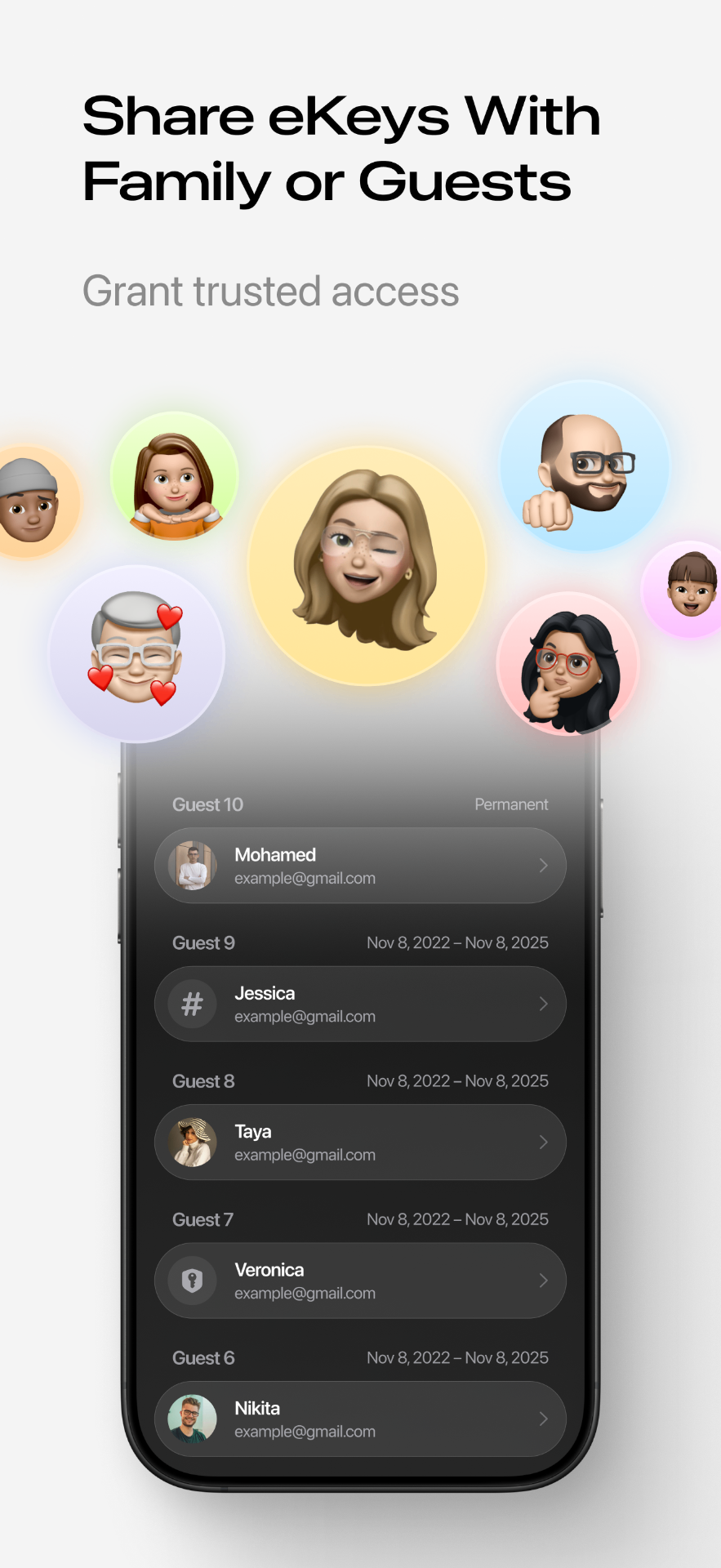
A guest checking in at 23:40
Late arrivals are routine for short-term rentals, and standing by to buzz someone in — or worse, driving over with a spare key — doesn't scale past one listing. With Smart Lukko you generate a timed passcode tied to that reservation's dates before the guest ever leaves home. It becomes active at check-in time and stops working at checkout, so a 23:40 arrival is no different from a 3pm one: the guest taps the code into the keypad and the TTLock lock opens.
Because the passcode is generated and stored on your phone through the lock's Bluetooth connection, you can create and send it from anywhere with signal — you don't need to be within range of the lock itself to hand out access.
A cleaner who comes every Monday and Thursday
Turnover cleaning happens on a schedule, and issuing a brand-new code every visit is unnecessary admin. TTLock's cyclic passcode type lets you set a code that repeats on chosen weekdays within a time window — for example 10:00 to 14:00 on Mondays and Thursdays. The cleaner memorizes one code; outside those hours, it simply does nothing.
A late checkout that needs a couple more hours
When a guest asks to stay past the original checkout time, you don't need to visit the property or reprogram anything at the lock. Open the existing passcode in Smart Lukko's passcode manager and push the end time back, or issue a short-lived second code that covers just the extension.
A guest who says they never got the code
Messages get buried in booking platform inboxes. Since the passcode lives in your account rather than only in a sent message, you can look it up again in seconds and resend it through whatever channel the guest actually checks — or share a one-tap digital eKey to their phone as a backup if they're already near the door.
A lost phone, mid-stay
If a guest's phone with an eKey goes missing, or you suspect a code has been shared beyond the people staying, delete that specific credential from Smart Lukko and issue a fresh one. Every other guest, cleaner or contractor keeps their own separate code, so revoking one doesn't lock anyone else out or require a lock swap.
When something doesn't behave as expected — a code that won't take, or a lock that seems unresponsive — the passcode troubleshooting guide walks through the common causes before you need to visit in person.
What this looks like across a portfolio
One app, every listing
All your TTLock locks — across one unit or five — show up in a single lock list, so you're not switching accounts between properties.
A record of who came in and when
Every unlock — guest passcode, eKey, or cleaner — is timestamped in the access log, useful if a guest disputes their check-in time or you need to confirm a cleaner actually showed up.
Frequently asked questions
- Can I set a passcode that only works during the guest's stay?
- Yes. TTLock supports timed passcodes with a start and end date, so you can create a code that activates the afternoon of check-in and stops working the moment checkout ends. You don't need to be at the property to set it up or to disable it early.
- What happens if a guest never received their code?
- You can look up the code again from Smart Lukko at any time and resend it — by text, email, or your booking platform's messaging — without changing the lock. If the guest still can't get in, you can also share a temporary eKey to their phone if they have Bluetooth range, or issue a fresh passcode on the spot.
- Does the cleaner need a new code every week?
- No. TTLock supports cyclic passcodes that repeat on chosen days of the week within specific hours, for example Mondays and Thursdays 10:00–14:00. Your cleaner uses the same code every visit, and it simply won't work outside that window.
- Can I extend a guest's access for a late checkout?
- Yes. If a checkout runs long, open the lock in Smart Lukko and edit the existing passcode's end time, or issue a short additional code. No new hardware programming or in-person visit is required.
- What if a guest loses their phone or the code gets shared by mistake?
- Delete or expire that specific passcode or eKey from the app and issue a new one. Because TTLock keys are unique per guest rather than a single master code, revoking one credential doesn't affect the lock for anyone else.
- Do I need a gateway for remote check-in management?
- A TTLock lock works over Bluetooth on its own, which is enough for creating and sharing passcodes remotely because the codes are generated and sent digitally — the guest just types the code at the door. A Wi-Fi gateway is only needed if you also want to unlock the door remotely yourself or get real-time online status without being near the lock.
Smart Lukko is an independent app for locks using the TTLock platform. TTLock is a trademark of its respective owner; we are not affiliated with or endorsed by it.